
Lower your internet bill
61% of people overpay for their internet.
Are you one of them?
Unlock exclusive offers in your area!
Call now
[tel]Enter zip code









 Use code: KALA & receive a $50 gift card with your order!
Are you happy with your Internet service?

About the author
Sometimes, setting up a new router is as simple as plug-and-play. Other times, it’s a massive headache leaving you wondering why you didn’t spring for the professional tech installation, instead of doing it yourself.
It doesn’t have to be that hard, though. Especially when guides (like this one!) exist.
To set up a router, connect it to your modem with an Ethernet cable, power on the modem first and the router second, then open the router’s app or admin page to name your WiFi and set a strong password. Most people can end up finishing in under 30 minutes.
Below is how to set up a router, how to install a new router with Xfinity, AT&T Fiber or Spectrum, and when you may need to call your internet service provider (ISP).
Lower your internet bill
61% of people overpay for their internet.
Are you one of them?
Unlock exclusive offers in your area!
Call now
[tel]Enter zip code
Every new router setup follows the same basic path, whatever the brand:
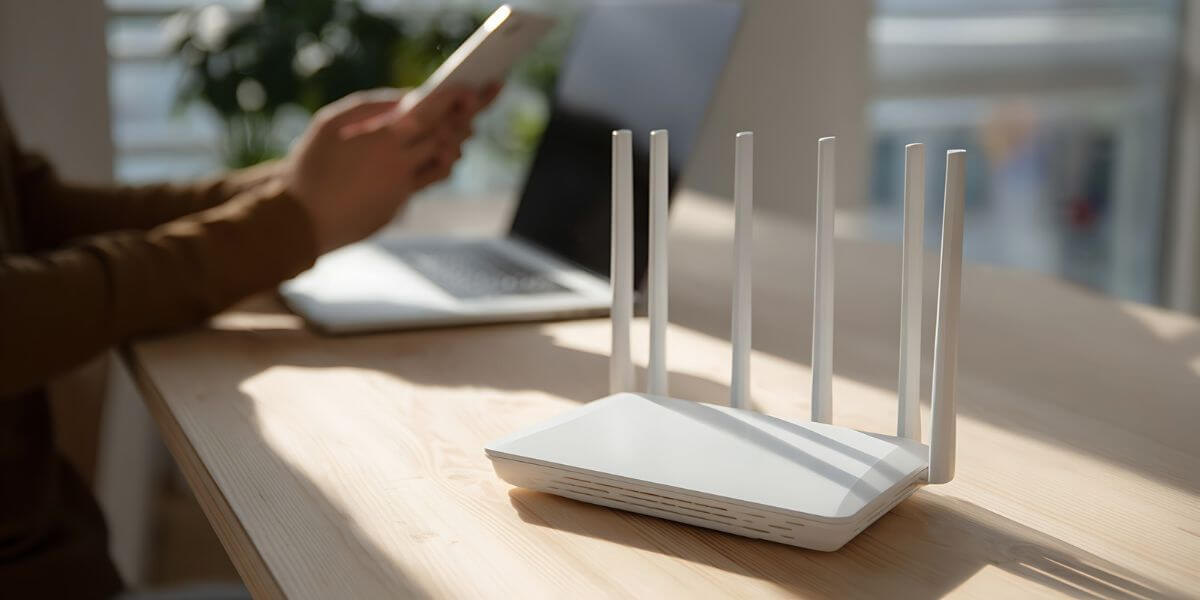
Do I Need to Call My ISP to Set Up My Own Router?
Usually not. If you keep your internet provider’s modem and only set up your own router behind it, the ISP authenticates the modem or gateway (a modem and router in one box), not the router behind it. You may need to call if you replace the modem or gateway itself, want to return leased equipment to stop a fee, or activation fails.
The bigger catch is double NAT. NAT (network address translation) is how a router shares one internet address among all your devices. When a gateway and your own router both do it, gaming, VPNs and smart home gear can misbehave. The fix is “bridge mode,” which turns off the gateway’s routing, or “IP Passthrough,” which hands the gateway’s public address to your router.
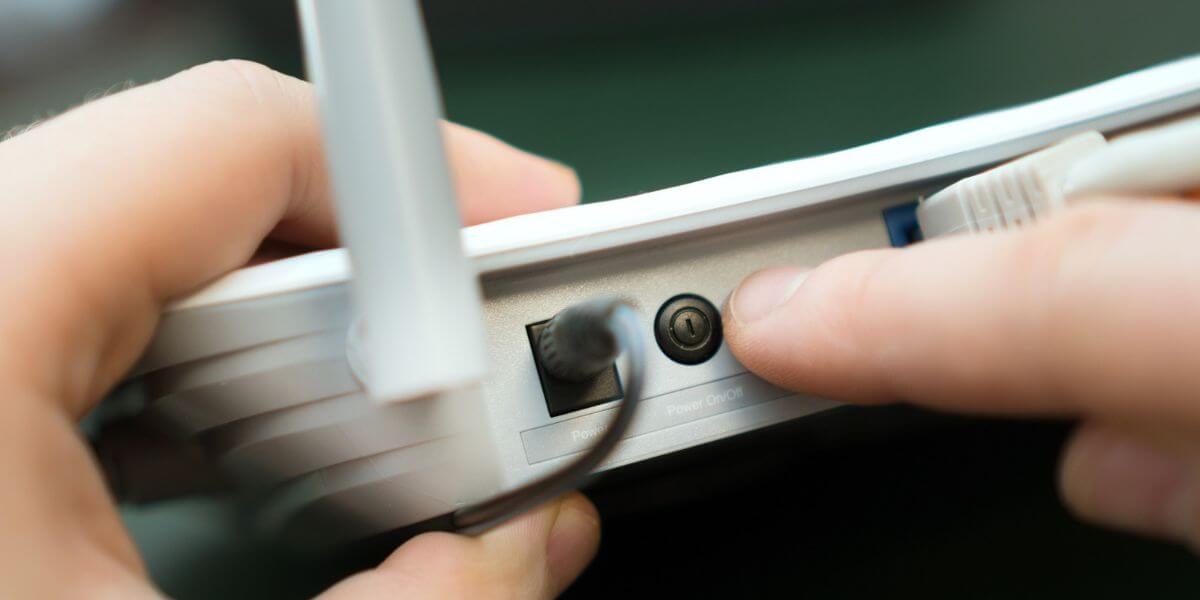
How to Set Up a Router With Your Internet Provider
Here’s how to set up a router for a few of the top providers:
Xfinity’s Gateway combines a modem and router, so use bridge mode to bring your own. Open the Admin Tool at 10.0.0.1 (you may need to enable Admin Tool access in the Xfinity app first), go to Gateway > At a Glance, and click Enable next to Bridge Mode [3]. That turns off the gateway’s routing and private WiFi, and only one device can connect to it. Plug your router into the gateway, then connect everything else to the router. Xfinity WiFi Extenders won’t work in bridge mode.
AT&T Fiber relies on its gateway for fiber authentication, so your router sits behind it using IP Passthrough. Open 192.168.1.254 in a browser, choose Firewall, then IP Passthrough, and enter the Device Access Code printed on the gateway if asked [4]. Afterward, turn off the gateway’s WiFi so two networks don’t compete.
Spectrum offers a compliant modem at no extra charge, so connect your router to it with an Ethernet cable and finish setup in your router maker’s app [5]. If you lease Spectrum’s router, you can swap in your own. Spectrum’s technicians support only Spectrum-provided equipment, so lean on your router maker for help. Spectrum Home Phone also isn’t compatible with customer-owned modems.

What If My New Router Isn’t Working?
Still not working? Start with these quick troubleshooting fixes:
If your speed test falls short of your plan. A new router can’t speed up a slow connection, but it shows what you’re really getting. Internet prices and speeds vary by address (even block by block), so it pays to compare internet providers before you renew.
National numbers can give you a nice starting point. In Ookla’s first-half 2026 data, AT&T Fiber had the fastest median fixed download speed at 374.7 Mbps, with Spectrum second at 351.96 Mbps [6]. The best internet providers for you still depend on what’s available at your specific address, so spend some time researching to find the best internet in your area first.
Since April 2024, the FCC has required providers to post broadband labels listing monthly price, fees and speeds, which makes internet comparison easier [7]. Check the label for equipment fees, then use our provider deals to compare internet plans side by side.
Start your search by using the zip code lookup tool below to see what’s available in your area.
Lower your internet bill
61% of people overpay for their internet.
Are you one of them?
Unlock exclusive offers in your area!
Call now
[tel]Enter zip code
Usually, yes. Most providers let you add a router behind their modem or gateway. Gateway users may need bridge mode or IP Passthrough, and some providers only support their own equipment.
Both prevent double NAT. Bridge mode turns off the gateway’s routing so your router takes over, as with Xfinity. IP Passthrough keeps the gateway running but hands your router the public address, as with AT&T Fiber.
Check every few months and turn on automatic updates if your router offers them. CISA recommends regular firmware updates because they close security gaps that attackers can exploit.
Only up to your plan’s speed. A better router can improve WiFi coverage and handle more devices, but a wired speed test shows your plan’s true limit. If wired results are low, consider a faster plan.
[1] CSO Online. “8 things your security team needs to know about WPA3.”
[2] CISA. “Module 5: Securing Your Home Wi-Fi.”
[3] Xfinity. “Enable or disable Bridge Mode on your Wireless Gateway.”
[4] AT&T. “Configuring IP Passthrough and DMZplus.”
[5] Spectrum. “Using your own equipment on our network.”
[6] Light Reading. “Miami broadband speed is slowest among US cities – Ookla.”
Do you want to leave a review for AT&T Internet?
About the author

Infinity Sales Group, LLC