
Lower your internet bill
61% of people overpay for their internet.
Are you one of them?
Unlock exclusive offers in your area!
Call now
[tel]Enter zip code




















 Use code: KALA & receive a $50 gift card with your order!
 Are you happy with your Internet service?

About the author
WiFi channels work like lanes on a highway. When every neighbor’s router uses the same lane, everyone slows down. Switching to a less crowded channel can improve WiFi speed and reliability without changing your internet plan or buying new hardware.
Quick steps:
Now, let’s get a little deeper into the steps for how to change your WiFi channel.
61% of people overpay for their internet.
Are you one of them?
Unlock exclusive offers in your area!
Call now
[tel]Enter zip code
A WiFi channel is a slice of radio spectrum your router uses to talk to your devices. When nearby networks share or overlap your slice, routers take turns transmitting, and everything slows down. That slowdown is WiFi channel congestion, and the clash behind it is WiFi channel interference. A quieter channel means less waiting.
Not all interference is the same, though. Co-channel interference, where networks share one channel, is tolerable until too many devices pile on. Adjacent-channel interference, where networks sit on partly overlapping channels, is where real trouble starts [1]. And apartment dwellers often suffer most.
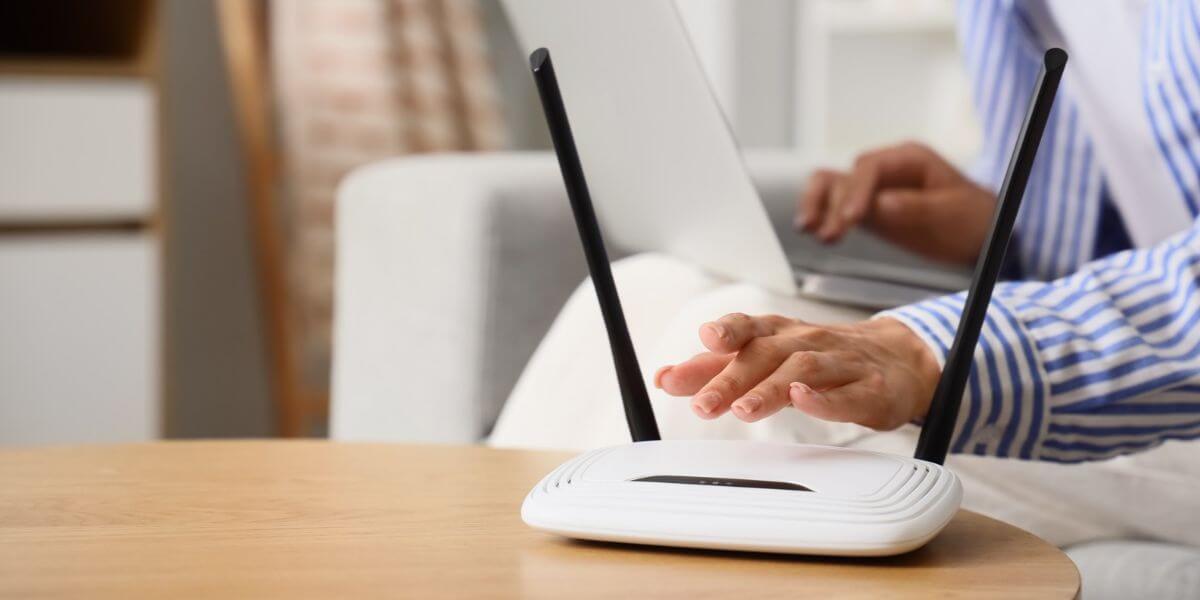
What is the best WiFi channel?
The best WiFi channel is the one with the fewest nearby networks. On 2.4GHz, that means channel 1, 6 or 11. On 5GHz, it means any clear channel.
That’s why channel 1 6 11 WiFi gets all the attention. Each 2.4GHz channel is 20 MHz wide, but channel centers sit only 5 MHz apart, so neighbors collide. Channels 1, 6 and 11 are the only non-overlapping WiFi channels in that band. The best WiFi channel for 2.4GHz is therefore whichever of those three is “quietest.” Avoid the rest, because each straddles two lanes. These numbers also only apply to U.S. networks. Other countries use different channel plans.
Use a WiFi analyzer app that lists nearby networks with their channels and signal strength. On Android, the open-source “WiFi Analyzer” is free on Google Play. On a computer, NetSpot offers free Mac and Windows versions, plus Android and iOS apps [2]. Windows users can instead run “netsh wlan show networks mode=bssid” in Command Prompt to see each network’s channel.
Here’s how to find the best WiFi channel from your scan:

How do you change your WiFi channel?
To change your WiFi channel, open your router’s admin page in a browser, find the wireless settings, pick a new channel, and save. Here’s how to change WiFi channel settings on most routers:
Many internet provider gateways and app-managed mesh systems hide channel settings. Users on eero’s community forum report there’s no way to force a channel, though that thread is dated [4]. Check your provider’s app first. If there’s no option, it may be time to decide whether or not you need to upgrade your router.
For most homes, 5GHz is the better pick because it’s usually less crowded and faster up close. 2.4GHz reaches farther through walls. Here is how 2.4GHz vs 5GHz channels compare, with 6GHz added:
| 2.4GHz | 5GHz | 6GHz | |
| Non-overlapping channels | 3 (1, 6, 11) | Up to 25 at 20 MHz | 59 at 20 MHz |
| Range | Longest | Medium | Shortest |
| Congestion | Highest | Moderate | Lowest |
| Best for | Smart-home devices, distant rooms | Streaming, gaming, calls | Newest devices, dense buildings |
The catch with 5GHz WiFi channels. That “up to 25” assumes narrow 20 MHz channels, and routers often default to wider ones. At 80 MHz you get up to six non-overlapping channels, and at 160 MHz just two [5]. Channels 52–64 and 100–144 also require Dynamic Frequency Selection (DFS), which makes your router move if it detects radar. Avoid those ranges for the steadiest connection.
Many routers broadcast one network name on both bands, so you can’t choose 5GHz from your phone. Splitting the names in router settings fixes that.
The WiFi Alliance introduced its numbered naming system, including WiFi 6, in October 2018 [6]. The FCC then voted on April 23, 2020, to open 1,200 MHz of 6GHz spectrum to unlicensed use [7]. That band offers 59 channels at 20 MHz [8], but only WiFi 6E and newer devices can use it.
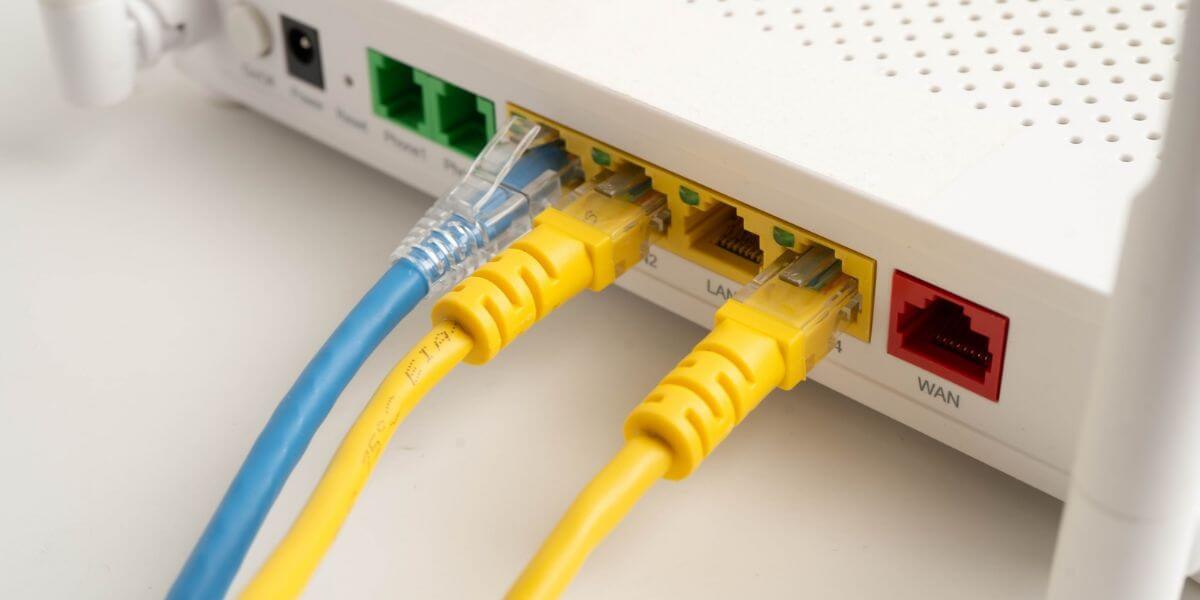
Should you leave your router on auto channel?
Auto works well when few neighbors are nearby. In apartment buildings, it can land on a crowded channel, so a manual pick based on a fresh scan often does better.
A better channel improves your wireless connection, not the service coming into your home. Plug a computer into the router with Ethernet and run a speed test. If wired speeds fall well short of what you pay for, the bottleneck is your plan or provider.
Internet prices vary widely. The U.S. average is $81.16 per month, ranging from $65.43 in New Jersey to $109.88 in Alaska, according to a March 2026 BroadbandNow survey [9]. An internet comparison by speed and price shows which of the best internet providers serve your address, and you can compare internet plans before switching.
Use our zip code search tool below to see the best internet in your area, then compare internet providers side by side.
61% of people overpay for their internet.
Are you one of them?
Unlock exclusive offers in your area!
Call now
[tel]Enter zip code
Briefly. Most routers restart after you save, so devices drop for a minute or two, then reconnect on their own.
Only when WiFi slows down. New neighbors can crowd your channel, so rescan if speeds drop.
No. A channel change affects only the wireless link between your router and devices. Your plan’s speed stays the same.
No. Channel 6 is just the middle option and a popular default. If many neighbors use it, channel 1 or 11 may be quieter.
[1] Oscium. “Why Channels 1, 6 and 11?”
[2] NetSpot. “What Is the Difference Between NetSpot Versions: Free, Home, Pro and Enterprise?”
[3] NETGEAR. “How do I change the wireless channel on my NETGEAR router?”
[4] eero Community. “Channel Selection.”
[5] NetworkLessons. “WiFi 5 GHz Frequency Bands and Channels.”
[6] WiFi Alliance. “WiFi Alliance Introduces WiFi 6.”
[7] Fierce Network. “FCC Votes to Make 1,200 MHz at 6 GHz Available for Unlicensed Use.”
[8] Electronics Notes. “6 GHz Band WiFi Channel Frequencies, Bandwidths, Channel Numbers.”
[9] Benton Institute for Broadband & Society. “The Cost of Staying Connected in 2026.”
Do you want to leave a review for AT&T Internet?
About the author

Infinity Sales Group, LLC