
Lower your internet bill
61% of people overpay for their internet.
Are you one of them?
Unlock exclusive offers in your area!
Call now
[tel]Enter zip code




















 Use code: KALA & receive a $50 gift card with your order!
 Are you happy with your Internet service?

About the author
If you’ve ever blamed your hardware for a laggy cloud gaming session, you were probably looking in the wrong place.
Cloud gaming is an internet problem, not a hardware problem. A player with a $5,000 gaming PC and a mediocre cable connection will often have a worse experience than someone on a budget gaming laptop with a fast, stable fiber line. Understanding why changes everything about how you shop for the best internet for cloud gaming
Lower your internet bill
61% of people overpay for their internet.
Are you one of them?
Unlock exclusive offers in your area!
Call now
[tel]Enter zip code
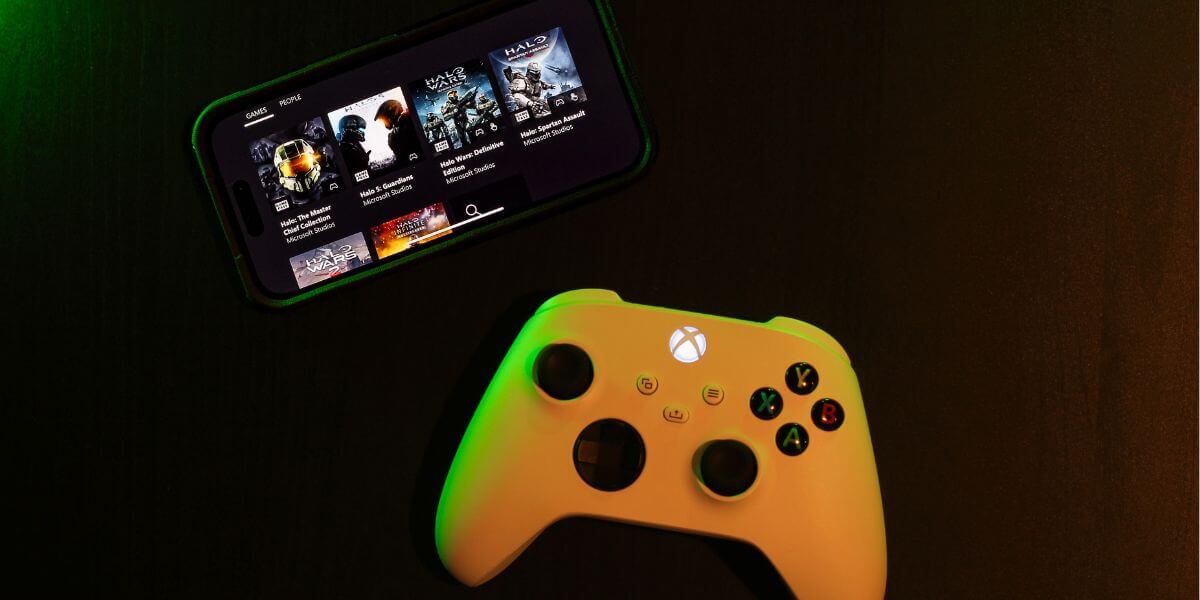
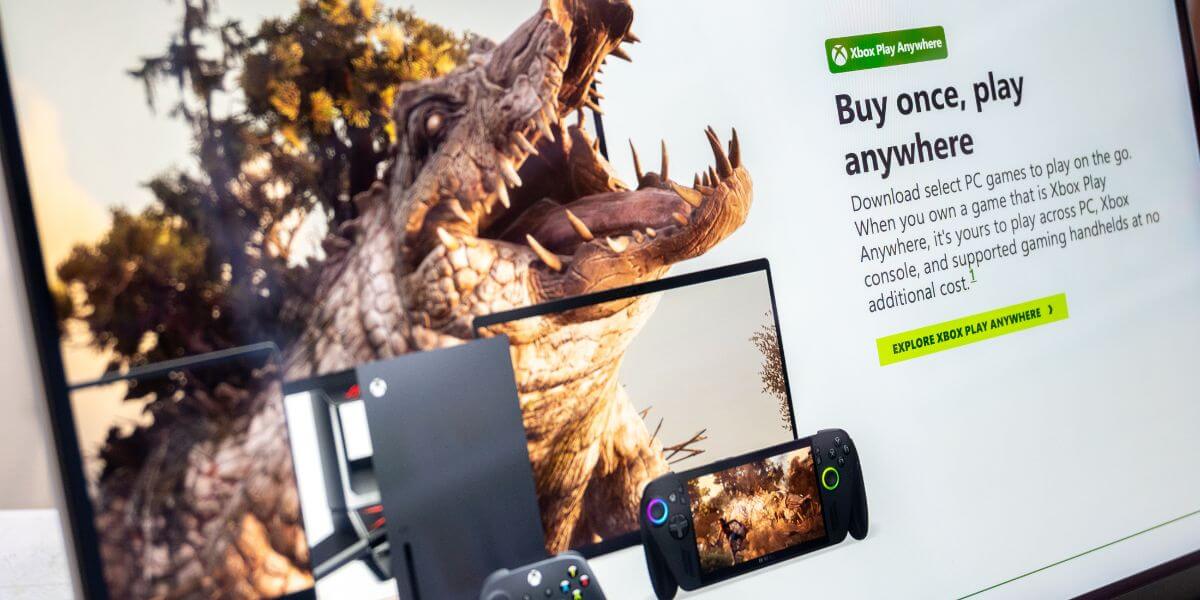
When you play through a service like NVIDIA GeForce Now, Xbox Cloud Gaming, or Amazon Luna, the game isn’t running on your device at all. Every frame is rendered on a remote server (sometimes hundreds of miles away) and streamed to your screen as a video feed [1].
Every button press you make travels from your controller to the server and back before you see the result on screen. The round-trip time for that journey is called latency (or ping), and it’s the most important number for cloud gaming performance. Raw download speed matters far less than most gamers expect. A 1080p/60fps cloud stream typically requires only 15–35 Mbps. But latency, jitter (inconsistency in ping), and connection stability matter more here than in almost any other internet use case, including traditional online gaming [2].
A Brief History of Cloud Gaming
The first commercial cloud gaming service, OnLive, launched in 2010, and promptly struggled because internet infrastructure of the era couldn’t support it. Early services required sub-150ms latency and sustained bandwidth that most home connections simply couldn’t deliver [3]. A brief slowdown might buffer a YouTube video for a second, which is the same hiccup that would make a cloud game unplayable.
Over the following decade, fiber internet expanded, compression technology improved, and NVIDIA, Microsoft, and Amazon built out global data center networks closer to population centers. By mid-2024, median U.S. download speeds exceeded 150 Mbps, and cloud gaming evolved from a frustrating experiment into a viable mainstream option. GeForce Now, Xbox Cloud Gaming, and Amazon Luna are the mature products of that evolution.
It seems counterintuitive, but you probably don’t need as much raw speed as you think. What you do need is consistency and low latency.
For download bandwidth, most platforms deliver solid 1080p/60fps performance in the 15–25 Mbps range. Once you’re above a platform’s recommended tier, additional speed doesn’t improve the experience. What takes over is connection quality.
Upload speed for cloud gaming is rarely the bottleneck. Because cloud gaming streams video from the server to your screen, your upload only needs to carry controller inputs back. Typically, 2–5 Mbps is sufficient. Upload speed becomes relevant only if other household devices are actively uploading large files during your session.
For cloud gaming latency requirements, aim for under 40ms ping to the platform’s nearest server. Above 80ms, you’ll feel noticeable input delay in fast-paced games. Jitter matters nearly as much as average ping, too. A connection bouncing between 20ms and 80ms will feel worse than one that holds a steady 45ms.
Platform Requirements: GeForce Now, Xbox Cloud Gaming & Amazon Luna
Below are the official minimum and recommended speeds for each major platform, along with what you actually need for a good experience.
| Platform | Minimum Speed | Recommended (1080p/60fps) | Recommended (4K) | Max Latency |
| GeForce Now | 15 Mbps | 25 Mbps | 40–45 Mbps | 80ms (40ms ideal) |
| Xbox Cloud Gaming | 10 Mbps | 20 Mbps | 40 Mbps (1440p) | 40ms |
| Amazon Luna | 10 Mbps | 10–15 Mbps | 35 Mbps | Not specified |
GeForce Now internet speed requirements scale with membership tier. NVIDIA requires 15 Mbps for HD at 60fps, 25 Mbps for 1080p at 60fps, and 40–45 Mbps for 4K, with latency under 80ms from an NVIDIA data center required, and under 40ms recommended [4].
Xbox Cloud Gaming internet requirements are more accessible. Microsoft requires a minimum of 10 Mbps down, with best performance at 20 Mbps on PCs, consoles, and tablets. Around 40 Mbps is needed for the 1440p tier available to Ultimate subscribers [5].
Amazon Luna internet speed requirements are the most lenient. Amazon requires a sustained 10 Mbps for 1080p quality and recommends 35 Mbps for 4K. Cloud gaming on Luna can consume up to 10 GB of data per hour at 1080p [6].
Connection type matters more than plan tier when choosing the best ISP for cloud gaming.
Fiber internet is the gold standard. Fiber delivers symmetrical upload and download speeds, the lowest latency (5–15ms), and the most consistent performance, even during peak hours [7]. Fiber internet cloud gaming works well even at modest plan speeds because consistency does the heavy lifting that raw Mbps can’t. A 300 Mbps fiber connection with 10ms latency will outperform a 1 Gbps cable plan with 40ms latency for cloud gaming purposes [8].
Hybrid Fiber Coaxial (HFC) internet is a solid, widely available alternative. Cable offers 15–30ms latency and can deliver 500 Mbps to 1 Gbps download speeds, which is more than enough for any cloud gaming platform. The main caveat is that cable is shared infrastructure, so performance can dip during peak evening hours.
Satellite internet (including Starlink) is the weakest option. Latency ranges from 40–70ms under ideal conditions and can spike further due to the distance signals must travel [9]. It may work for slower-paced or single-player cloud games, but fast-paced multiplayer will feel inconsistent.
Cloud Gaming Lag Fix: What to Try Before Upgrading Your Plan
If you’re experiencing cloud gaming lag, these steps can dramatically improve your experience without switching internet providers:
If you’ve optimized your setup and are still hitting a wall with high latency, inconsistent ping, or congestion at peak hours, it may be time to compare internet providers. Fiber availability has expanded considerably in recent years, and internet prices for fiber plans have become increasingly competitive with cable. Use the tool below to run an internet comparison across available options in your zip code.
Enter your zip code to compare internet plans and find the best internet providers near you.
Lower your internet bill
61% of people overpay for their internet.
Are you one of them?
Unlock exclusive offers in your area!
Call now
[tel]Enter zip code
Most platforms set their technical minimum at 10 Mbps, but that gets you low-resolution, inconsistent results. For reliable 1080p/60fps performance on GeForce Now, Xbox Cloud Gaming, or Amazon Luna, aim for at least 15–25 Mbps of stable, consistent bandwidth — and prioritize low latency (under 40ms) over raw speed.
Minimally. Your download speed and latency do most of the work. Your upload only needs to carry controller inputs back to the server — typically 2–5 Mbps is sufficient. Upload speed becomes relevant only if other devices on your network are actively uploading large files during your session.
Yes, if it’s available in your area. Fiber delivers the lowest and most consistent latency of any connection type — typically 5–15ms — along with symmetrical speeds and no slowdowns during peak hours. For cloud gaming specifically, fiber’s consistency advantage matters more than its speed ceiling.
Fast download speeds don’t guarantee a smooth cloud gaming experience. Common causes of lag despite fast internet include: high latency or jitter on your connection, using Wi-Fi instead of Ethernet, network congestion from other household devices, an active VPN, or geographic distance from the platform’s nearest data center. Run the in-app network test for your platform first, then try an Ethernet connection before considering an ISP switch.
[1] Verdict. “Cloud Gaming: Timeline."
[2] Cloudbase.gg. “Cloud Gaming Internet Speed Requirements 2026."
[3] Gokinetic. “From Pong to the Cloud: How Internet Performance Shaped Gaming History."
[4] NVIDIA. “System Requirements for GeForce NOW Cloud Gaming."
[5] Xbox. “Xbox Cloud Gaming."
[6] Amazon Customer Service. “Amazon Luna Internet Speed Requirements for Smooth Gameplay."
[7] Optimum. “Guide to Best Internet for Gaming: Fiber vs Cable vs 5G."
[8] MyHomeConnected. “Best Low Latency Internet for Gaming 2025."
Do you want to leave a review for AT&T Internet?
About the author

Infinity Sales Group, LLC