
Lower your internet bill
61% of people overpay for their internet.
Are you one of them?
Unlock exclusive offers in your area!
Call now
[tel]Enter zip code









 Use code: KALA & receive a $50 gift card with your order!
Are you happy with your Internet service?

About the author
Staring at a frozen screen and wondering, “is there an internet outage in my area, or is it just me?"
Typing “internet down in my area" into your phone is nobody’s favorite morning routine, but the good news is that you can usually find the answer in about five minutes.
Check a second device, look up your internet provider’s outage status, peek at a crowdsourced tracker, and then inspect your own equipment. Here’s how to check for an internet outage step by step, no tech degree required.
Lower your internet bill 61% of people overpay for their internet. Call now Enter zip code
Are you one of them?
Unlock exclusive offers in your area!
Work through these four checks in order:

Where do I find my provider’s outage status?
Your ISP (internet service provider, the company that delivers internet to your home) knows what’s broken on its own network, so start there. Years ago, that meant calling and waiting on hold. Today, most big providers offer maps, apps, and text alerts, and many let you check internet outage by address without signing in:
| Provider | Where to look | Sign-in needed? |
| Xfinity | Outage map or app; text OUT to 266278 [1] | No, for the map |
| AT&T | att.com/outages ZIP lookup or Smart Home Manager app [2] | No, for the ZIP lookup |
| Spectrum | My Spectrum app, your spectrum.net account, or chat [3] | Usually |
Xfinity outage status works like a classic internet outage map: type in your address and it shows the outage type, cause, and estimated fix time.
AT&T outage status starts with a ZIP code, so sign in for address-level details.
Spectrum outage status runs through the app, your account, or chat, so set those up before storm season.
Not every ISP outage map is public, and the tools change, so if you use another company, search “ outage" or open its app. See our guide to whether Spectrum is down for a more detailed look into how a single provider handles outages.
Downdetector launched in 2012 and collects problem reports from users, then charts the spikes [4]. On the 24-hour chart, look for a jump well above the usual baseline, then check the map for clusters near you.
A big spike in your city means you’re probably not alone. Because it relies on people clicking “report," it can lag in quiet areas and occasionally flags problems that aren’t true outages. It also isn’t official confirmation. Treat it as a second opinion. If Downdetector spikes, but your provider’s tool shows nothing, call and report it.
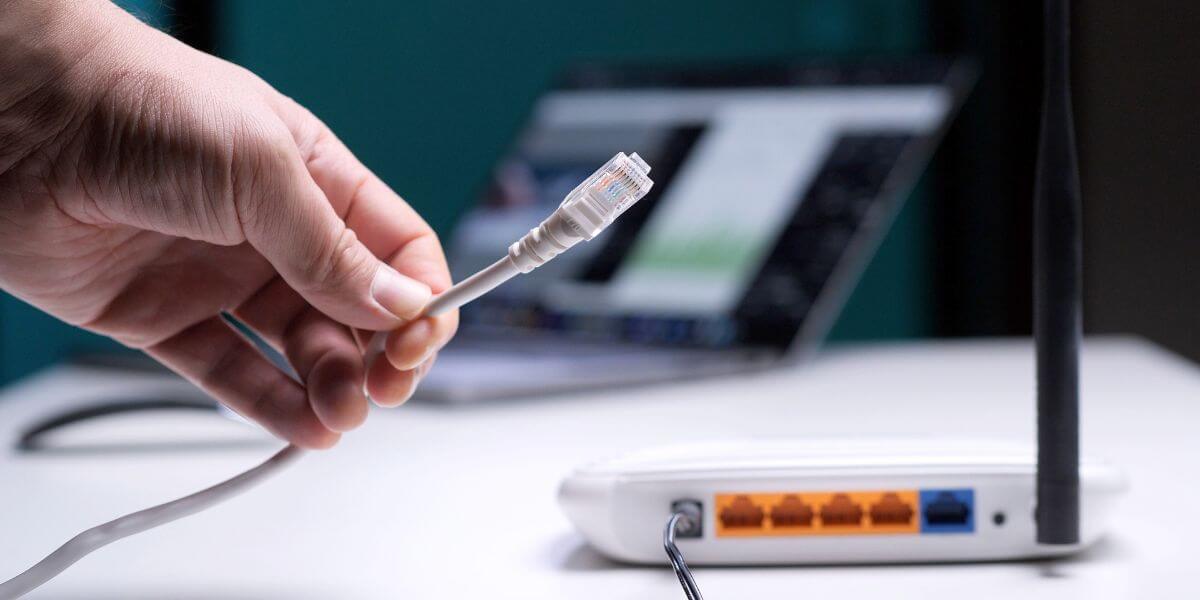
How do I know if the outage is my provider or my house?
If your provider’s tool shows an outage, or neighbors are reporting internet down in your area, it’s your provider. If neither does, the problem is likely inside your home. Run through this checklist:
Power outages are getting longer, too. Outages from major events like hurricanes averaged nearly nine hours per customer in 2024, up from nearly four hours a year in 2014 through 2023 [5].
And even if your lights work, the neighborhood equipment may not. Xfinity notes that power has to return to both your home and its local network before service comes back [6].
Once an outage is confirmed, restarting your modem again and again won’t help. Instead, sign up for restoration alerts, since providers like Xfinity will text you when service is back.
Use your phone’s hotspot for anything urgent, like a work call. Jot down when the outage started, too, in case you ask for a credit later. If it looks like a long one, download a few shows or maps for offline use.

Should I switch providers if outages keep happening?
One storm-related outage isn’t a reason to switch. Repeated dropouts on clear days are.
Before shopping, find out which internet providers serve your address. The FCC’s National Broadband Map lets you check by address and shows which providers report service there, plus their technologies and speeds [7]. It’s provider-reported data, though, so confirm with the ISP.
Then look at cost. Internet prices averaged $81.16 a month nationwide in 2026, according to BroadbandNow [8], so a switch only helps if the new plan fits your budget. In an internet comparison, keep these “best for" tips in mind:
Tired of outages? See who else serves your address. Enter your ZIP code to compare internet providers, browse the best internet providers near you, and find the best internet in your area.
Lower your internet bill 61% of people overpay for their internet. Call now Enter zip code
Are you one of them?
Unlock exclusive offers in your area!
Yes. Use your phone’s cellular data to open your provider’s app or outage page. Xfinity customers can also text OUT to 266278, which doesn’t need home internet.
It’s a useful early signal, not a verdict. It reflects what users report, so confirm with your provider’s outage tool before assuming the worst.
Wind, flooding, and fallen trees can damage lines, and power failures can shut down the equipment that carries your signal, even when your home has power.
Possibly. Policies vary by provider, and Xfinity offers an online credit eligibility check. Otherwise, contact support and give them the date and length of the outage.
[1] Xfinity. “Check for a service outage.”
[2] AT&T. “Service outage info.”
[3] Spectrum. “Outage information and troubleshooting.”
[4] Wikipedia. “Downdetector.”
[6] Xfinity. “Xfinity Response Center for Critical Service Events.”
[7] Federal Communications Commission. “How to Use the FCC’s National Broadband Map.”
Do you want to leave a review for AT&T Internet?
About the author

Infinity Sales Group, LLC