
Lower your internet bill
61% of people overpay for their internet.
Are you one of them?
Unlock exclusive offers in your area!
Call now
[tel]Enter zip code
 Use code: KALA & receive a $50 gift card with your order!
 Are you happy with your Internet service?

About the author
Restarting a router means cycling its power—unplug it, wait 30 seconds, and plug it back in. It fixes most connection problems and changes none of your settings. Resetting a router means pressing the physical router reset button, which wipes every custom setting and returns the device to factory defaults, including your WiFi name, password, port forwarding rules, and parental controls. In the restart vs reset router question, restart first, almost every time.
Think about your phone. A restart is like closing and reopening a frozen app. A reset, on the other hand, is like erasing the whole phone back to how it came in the box. People mix the two up constantly, and it’s costly: they hold the reset button when a power cycle would have worked, then spend the evening re-entering passwords (if they can remember them).
61% of people overpay for their internet. Call now Enter zip codeLower your internet bill
Are you one of them?
Unlock exclusive offers in your area!
A restart (also called a reboot or power cycle) briefly cuts power so the router clears its temporary memory and reconnects to your internet provider. Your saved configuration survives. A factory reset erases that configuration entirely. This router reset vs reboot split is the one that matters most.
| Restart (reboot) | Factory reset | |
| How | Unplug power, wait, plug back in | Press and hold the recessed reset button |
| Settings | Kept | All erased |
| Best for | Slow speeds, dropped devices, minor glitches | Forgotten admin password, failed firmware update, selling or returning the router |
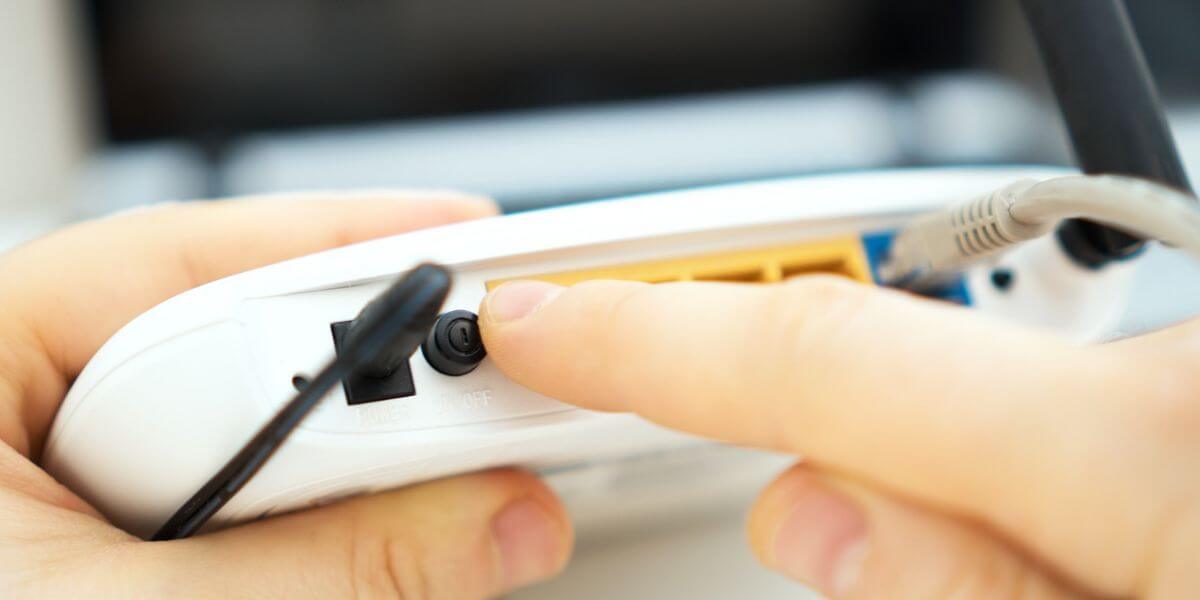
How Do You Restart a Router?
To restart a router, unplug its power cable, wait at least 30 seconds, plug it back in, and give it a few minutes to reconnect. Here is how to restart a router, and how to reboot your router in general, without touching a single setting:
Have a separate modem? Unplug both. Plug the modem in first, wait for its lights to stabilize, then power the router. Many newer routers and mesh systems also offer a restart button in an app or admin page (our guide on how to log in to your router shows where to look). A router reboot can fix internet problems like these:
Rebooting has even become official advice. In May 2018, the FBI urged owners of home and small-office routers to reboot them to temporarily disrupt VPNFilter malware, and to keep firmware (the router’s built-in software) updated [1]. If your lights are red or amber, check what your router lights mean before doing anything else.
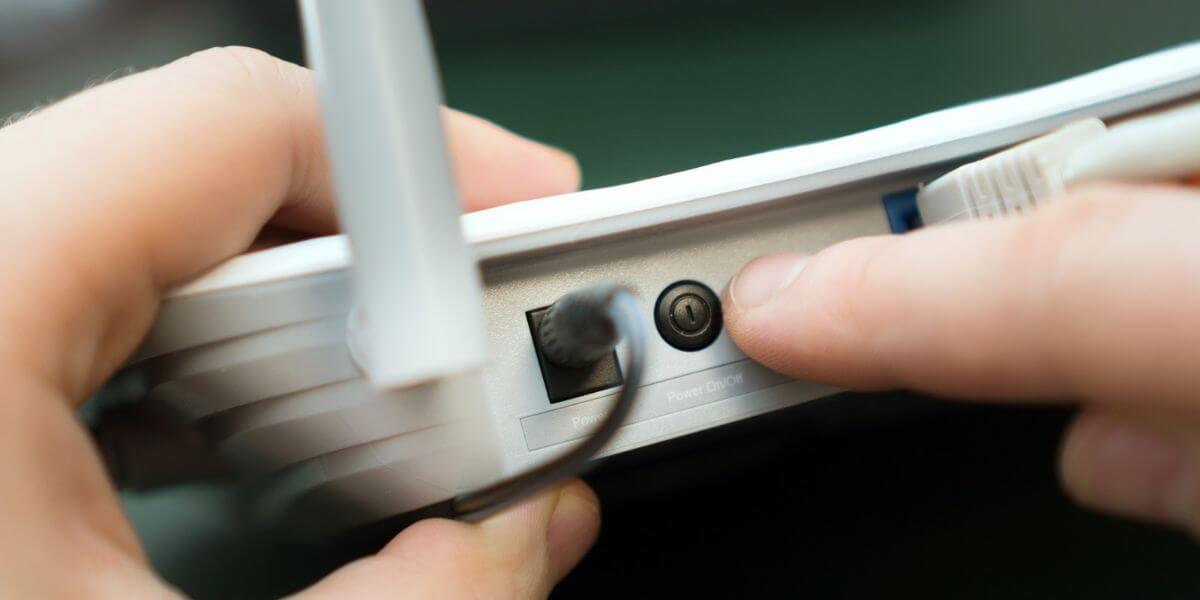
Will Resetting My Router Delete My Settings?
Yes, all of them. A factory reset erases your WiFi name and password, your admin login, port forwarding rules (which send outside traffic to a specific device), parental controls, and any custom DNS (domain name system) or guest-network settings.
Warning: a reset cannot be undone unless you saved a backup file from the admin page first.
If you rent an all-in-one gateway (a combined modem and router) from your provider, the stakes are higher. Xfinity warns that a factory reset erases your custom WiFi name and password and pauses home phone service until the gateway restarts [2]. Some DSL and fiber connections also need account login details re-entered afterward, so keep those handy.
Searching how to reset my router? Try a restart first. If you’ve confirmed you need a factory reset, here’s the process:
Pressed it by accident? A quick tap usually does nothing, so don’t panic. On TP-Link’s combined button, a press under five seconds only triggers WPS (a one-touch device-pairing feature), not a reset.
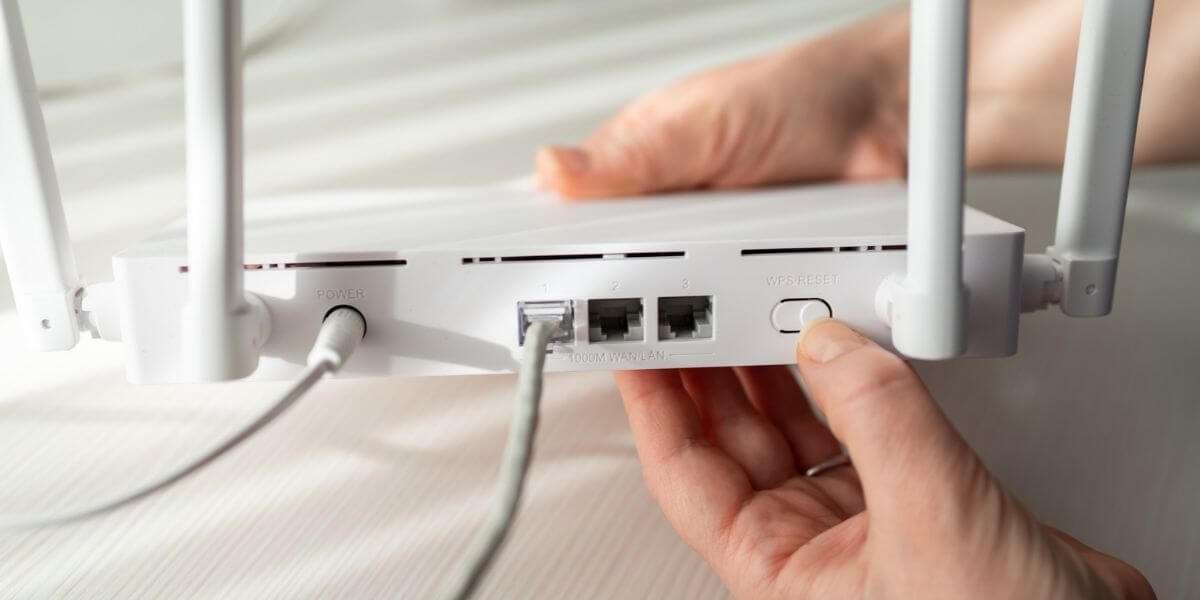
When Should You Factory Reset a Router?
Only after a restart has failed, and only for a few reasons:
For slow speeds or dropped connections, the answer to when to factory reset a router is simple: not yet.
If router settings are lost after a reset, the router is simply back to its defaults. Reconnect to the default WiFi name on its label, log in, and set it up again. Reuse your old network name and password and most devices will reconnect on their own. Then re-enter any provider login details and rebuild port forwarding or parental controls. Our guide on how to change your WiFi password walks through it.
Then the culprit may be your provider’s line or aging equipment, not your settings. You may need to replace your router, depending on its age and capabilities.
If outages keep happening, look beyond the router. You may want to start comparing internet providers for an internet comparison by speed, price, and reviews. Internet prices vary widely: BroadbandNow’s March 2026 survey found a national average of $81.16 per month, ranging from $65.43 in New Jersey to $109.88 in Alaska [5].
That’s a big gap, so you’ll want to research and compare internet plans to find the best internet providers at your address. Because sometimes, you need more than just a simple router reset or restart.
Enter your ZIP code in our provider search to see internet providers and the best internet in your area.
61% of people overpay for their internet. Call now Enter zip codeLower your internet bill
Are you one of them?
Unlock exclusive offers in your area!
Wait at least 30 seconds. That gives the router time to fully power down and clear its temporary memory. A full minute is fine if you want to be safe.
No. A restart keeps every saved setting, including your WiFi name and password. Only a factory reset erases them.
It depends on the brand, from roughly seven seconds to 30. Check your manual, and keep holding until the lights flash. A brief tap usually does nothing.
There’s no required schedule. Restart it when you notice slow speeds or dropped devices. If you need to restart it constantly, the router may be aging or the problem may be your provider.
[2] Xfinity. “Factory reset an Xfinity Gateway (XB2 or XB3).”
[3] NETGEAR. “Performing a Factory Reset on a NETGEAR Router.”
[4] TP-Link. “How to reset TP-Link router to factory defaults.”
[5] Benton Institute for Broadband & Society. “The Cost of Staying Connected in 2026.”
Do you want to leave a review for AT&T Internet?
About the author

Infinity Sales Group, LLC