
Lower your internet bill
61% of people overpay for their internet.
Are you one of them?
Unlock exclusive offers in your area!
Call now
[tel]Enter zip code
Are you happy with your Internet service?

About the author
If you’re experiencing frustratingly slow internet speeds despite paying for a high-speed plan, your Ethernet cable might be the culprit. While many people assume their internet providers are to blame for sluggish connections, the reality is that outdated or damaged Ethernet cables can create significant bottlenecks that prevent you from getting the speeds you’re paying for.
An Ethernet cable slow connection issue often stems from using the wrong cable category for your internet plan or physical damage that’s compromising your connection. The good news is that diagnosing and fixing these problems is usually straightforward and doesn’t require calling a technician.
61% of people overpay for their internet.
Are you one of them?
Unlock exclusive offers in your area!
Call now
[tel]Enter zip code
Understanding Ethernet Cable Categories and Speeds
Ethernet cables have evolved significantly since their introduction in the 1980s [1]. The Institute of Electrical and Electronics Engineers (IEEE) maintains standards for Ethernet technology, with cable categories being revised approximately every five years to keep pace with increasing internet speeds.
Ethernet cable speed capabilities vary dramatically depending on the category. Here’s what you need to know about the most common cable types:
To identify your cable’s category, look closely at the outer sheath. The category number should be printed along the length of the cable.
The reasons an Ethernet connection may not deliver the expected speed are often straightforward and can be categorized into four main areas:
The most common cause of a slow ethernet connection is simply using an outdated cable that can’t handle your internet plan’s speeds. According to the Federal Communications Commission (FCC), the average U.S. household now has access to internet speeds exceeding 200 Mbps, yet many homes still use CAT 5 cables designed for much slower connections [2].
If you’re paying for 500 Mbps internet but using a CAT 5 cable, you’re limiting yourself to just 100 Mbps—only 20% of what you’re paying for [3]. This mismatch between cable capability and internet speed is like trying to fill a swimming pool with a garden hose.
All Ethernet cables are designed to perform at their maximum speed over specific distances. Most standard cables (CAT 5e through CAT 6a) maintain full speed over 328 feet (100 meters). Beyond this distance, signal degradation occurs, resulting in slower speeds or dropped connections.
However, CAT 7 and CAT 8 cables have shorter optimal ranges due to their higher frequency requirements. A CAT 8 cable, for instance, performs best over distances under 98 feet for maximum speeds [4].
Ethernet cables contain twisted pairs of copper wires wrapped in foil and covered by a PVC sheath. Any damage to these internal components will slow your connection. Common culprits include:
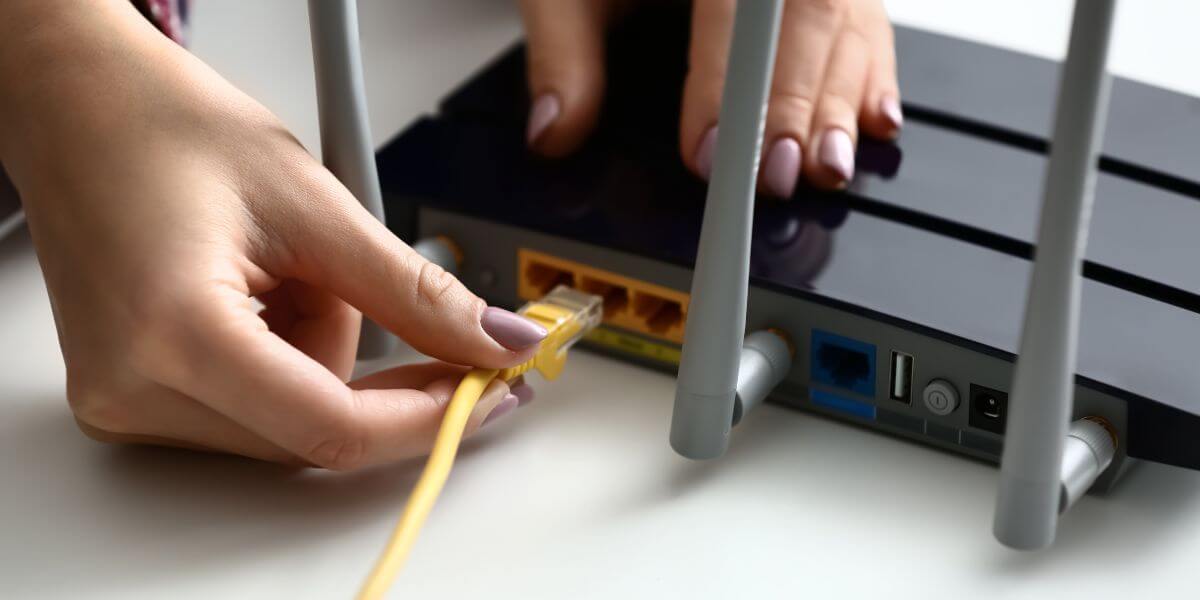
The RJ45 connectors [5] on each end of your Ethernet cable have eight copper contacts that must align perfectly with the contacts inside your device’s Ethernet port. Several issues can prevent proper contact:
How to Troubleshoot Ethernet Cable Issues
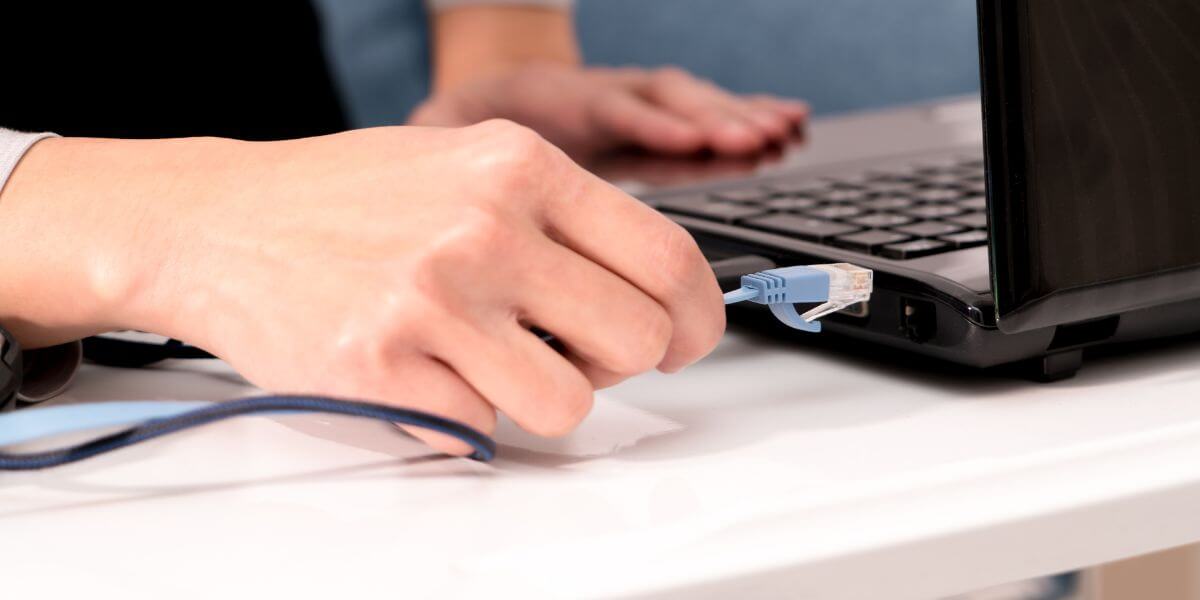
Follow these handful of steps to troubleshoot Ethernet cable issues:
Check the printing on your cable’s outer sheath to determine its category. If it’s CAT 5 and you have internet speeds above 100 Mbps, you’ve found your problem.
The simplest way to determine if your cable is the issue is to swap it with a known good cable. If your speeds improve dramatically, you’ve confirmed the original cable was faulty.
Run your hands along the entire length of the cable, feeling for kinks, cuts, or compressed sections. Pay special attention to areas where the cable might be pinched by furniture or bent sharply around corners.
Look closely at both RJ45 connectors. The retention clip should be intact and springy. The eight copper contacts inside should be clean, evenly aligned, and free from corrosion.
Your cable and port must work together efficiently. Most modern routers and modems feature Gigabit Ethernet ports (1000BASE-T), which support up to 1 Gbps. However, some older devices still have Fast Ethernet ports (100BASE-T) limited to 100 Mbps.
Newer routers supporting multi-gigabit internet often include 2.5 Gigabit Ethernet or 10 Gigabit Ethernet ports. If you’re using a CAT 5e cable with a 2.5 Gigabit port, the cable becomes your bottleneck even though the port can handle faster speeds.
If you’re connecting to a router or switch with multiple Ethernet ports, try different ones. A failing port can cause ethernet troubleshooting headaches that make you think the cable is bad when it’s actually the hardware.

When It’s Not Your Cable
Sometimes what appears to be an Ethernet cable issue is actually a problem with your internet service itself. Before investing in new cables, run a speed test directly connected to your modem. If the speeds are still slow, it’s time to contact your provider or consider shopping for better options.
The good news is that you can quickly compare internet providers in your area to find the best internet providers offering faster speeds or better value.
An internet comparison of local providers often reveals that you could be getting significantly faster speeds for similar or even lower internet prices. The competitive internet market means providers are constantly updating their offerings, and the best internet in your area might not be who you’re currently using.
If you’ve determined your cable is the issue, upgrading is straightforward and affordable. CAT 6 or CAT 6a cables cost between $10-30 for most home applications and will support internet speeds up to 10 Gbps. When shopping for cables, look for these quality indicators:
For homes with multi-gigabit internet plans, invest in CAT 6a or CAT 7 cables. These provide headroom for future speed increases and better shielding against electromagnetic interference from other devices.
Run a speed test while connected via Ethernet. If you’re getting significantly less than your plan’s advertised speed (accounting for typical 6% overhead), your cable could be the issue. Check the cable category printed on its sheath—anything below CAT 5e will limit speeds to 100 Mbps or less.
Cable length only affects speed if it exceeds the category’s maximum distance. Most cables work fine up to 328 feet. However, you should always use the shortest cable practical to minimize potential signal interference and simplify cable management.
Both support 1 Gbps speeds at 328 feet, but CAT 6a can reach 10 Gbps at that same distance while CAT 6 is limited to 10 Gbps over shorter runs (around 164 feet). CAT 6a also has better shielding against crosstalk and interference, making it more reliable for high-speed connections.
Only if your current cable is a bottleneck. If you have a 500 Mbps internet plan but use a CAT 5 cable (100 Mbps max), upgrading to CAT 5e or better will significantly improve speeds. However, if you already have an appropriate cable for your speeds, upgrading won’t help—you’d need to compare internet plans for a faster tier from your provider.
[1] IEEE SA. “Ethernet Through the Years: Celebrating the Technology’s 50th Year of Innovation.”
[2] FCC. “Thirteenth Measuring Broadband America Fixed Broadband Report.”
[3] Enable-IT. “Cat5 Cable Speed 7 Powerful Facts About Cat5 & 5e Ethernet Performance.”
Do you want to leave a review for AT&T Internet?
About the author

Infinity Sales Group, LLC
5900 Broken Sound Pkwy NW,Boca Raton, FL 33487